.svg)

.svg)


Testing
Step-Level Validation: How to Move Beyond Pass/Fail on Your Synthetic Tests



Automated testing to validate user experiences across real devices, networks, and channels.



Focus on web user experience has grown sharply in recent years. More than ever, users expect pages to load fast, respond instantly to interactions, and stay visually stable as they browse. To measure this experience in a consistent way, Google introduced Core Web Vitals in 2020: three key metrics designed to reflect real world performance from the user’s perspective.
These metrics have become a must have for anyone aiming to deliver a high quality web experience. Initially presented as a framework to assess on page user experience, Core Web Vitals were later incorporated into Google’s ranking systems as SEO signals in June 2021.
More recently, a major update reshaped the set: INP (Interaction to Next Paint) officially replaced FID (First Input Delay) in March 2024, changing how responsiveness is measured on modern web pages.
Summary
1.
The three essential metrics of Core Web Vitals
2.
Monitoring methodology: RUM versus synthetic tests
3.
Diagnosis and optimization: a practical guide
4.
Business and SEO impact: the reality on the ground
5.
Continuous monitoring strategy
6.
Conclusion
7.
8
9.
10.
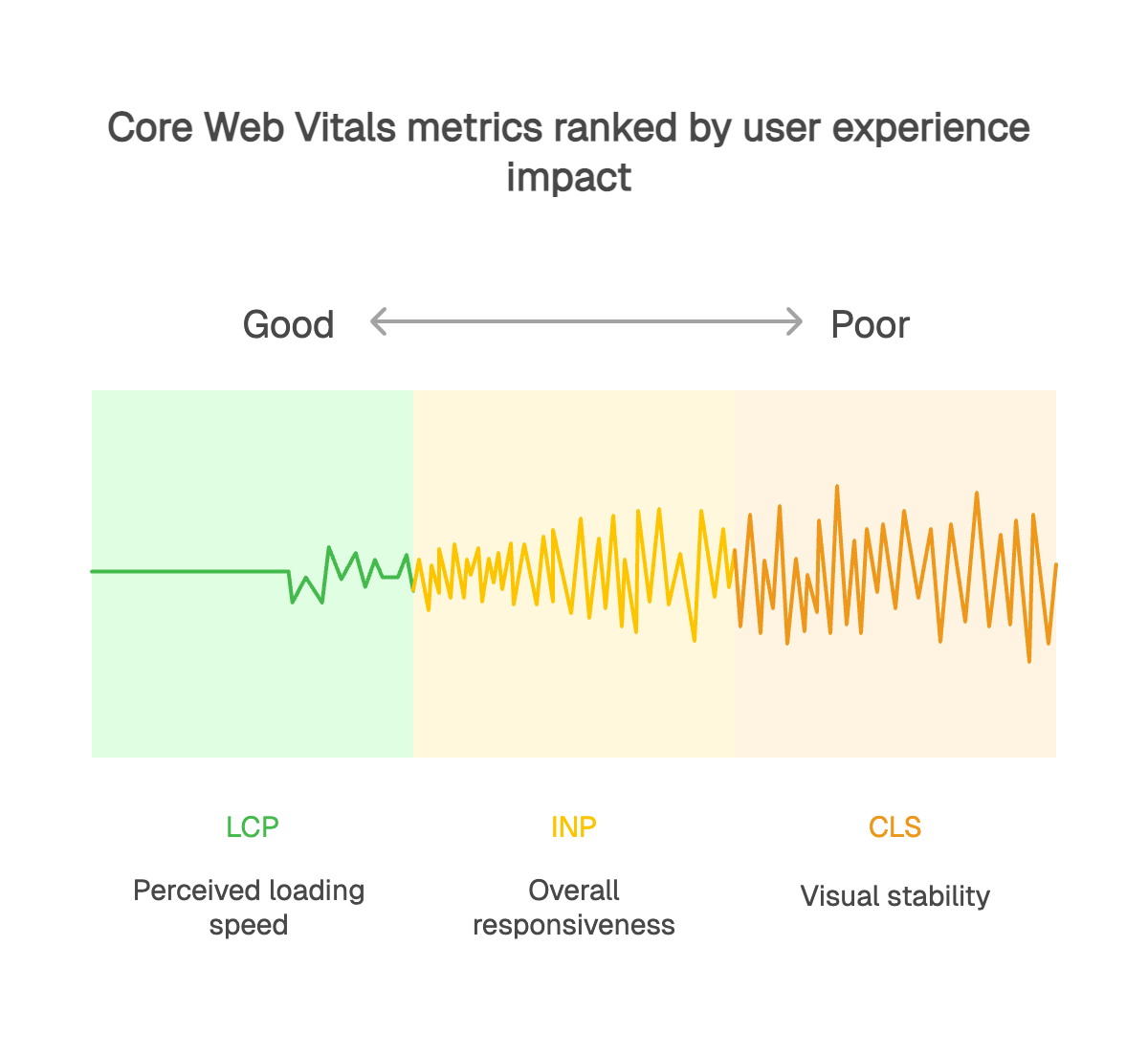
LCP (Largest Contentful Paint) measures how long it takes for the largest visible element in the viewport to render. This element is often a hero image, a prominent block of text, or a video. In other words, it’s a strong indicator of how fast your page feels to users.
A good LCP score is under 2.5 seconds. Between 2.5 and 4 seconds, it needs improvement. Beyond 4 seconds, users will perceive the experience as slow, which can contribute to higher bounce rates. Concretely, if your main visual takes 5 seconds to appear, visitors will already feel your site is sluggish, even if the rest of the page loads correctly.
INP is a major shift from FID. While FID only measured the input delay of the first interaction, INP assesses overall responsiveness across the entire page visit. It measures the time from a user interaction (click, tap, or keystroke) to the next time the browser can paint visual feedback, capturing not just the initial delay but also processing and rendering time.
The ideal threshold for INP is 200 milliseconds or less. Between 200 and 500 ms, your site needs optimization. Above 500 ms, responsiveness is poor and users are likely to feel noticeable latency. Moving from FID to INP provides a more accurate, more holistic view of interactivity, because it considers all interactions, not just the first one.
CLS (Cumulative Layout Shift) quantifies a page’s visual stability by measuring unexpected layout shifts as the page loads and runs. Few things are more frustrating than trying to click a button that suddenly moves, causing an accidental tap or an unintended action.
An excellent CLS score is below 0.1. Between 0.1 and 0.25, improvements are recommended. Above 0.25, visual instability seriously degrades the user experience. Common causes include late loading adverts, images without defined dimensions, and web fonts that trigger layout changes.
Real User Monitoring (RUM) measures Core Web Vitals using data from real user sessions. It gives you visibility into LCP, INP and CLS as they are actually experienced across a wide range of contexts, including browsers, devices, pages, and real world network and runtime conditions.
When applied to Core Web Vitals, RUM is especially valuable for analyzing performance distribution through percentiles and for spotting gaps between user segments. In practice, it helps you pinpoint where performance is degrading and which users are most impacted.
RUM also lets you track Core Web Vitals over time to measure the real impact of changes deployed on your site. It complements synthetic testing by grounding lab results in real usage and highlighting issues that only appear in production.
Synthetic monitoring relies on automated, predefined scripts that replay critical user journeys (logging in, browsing, adding items to the basket, and checking out) on a regular schedule, regardless of live traffic. These tests run continuously, 24/7, in a controlled setup to measure Core Web Vitals (LCP, INP and CLS) consistently over time.
The main advantage of synthetic testing is proactivity. It helps you spot early signs of Core Web Vitals degradation, such as slower rendering of main content or reduced responsiveness after a release. Teams can then intervene before these issues impact real users or search engine optimization.
Synthetic tests also provide stable, repeatable measurement conditions, which are essential for tracking Core Web Vitals over time. By running the same scenarios under standardized conditions, they enable reliable pre and post deployment comparisons and faster detection of regressions against recommended thresholds.
Finally, synthetic monitoring lets you measure Core Web Vitals on critical or low traffic paths where RUM data may be limited. It provides a dependable baseline and a useful complement to Real User Monitoring by validating trends and catching issues before they surface at scale.
Several tools can help you measure Core Web Vitals effectively. The Chrome UX Report (CrUX) aggregates field data from real Chrome users to provide a high level view of your site’s performance. PageSpeed Insights analyses a URL and returns actionable recommendations. WebPageTest supports deeper testing from multiple locations and connection types.
Chrome DevTools are still essential for real time debugging, helping you pinpoint exactly which elements are causing issues. For ongoing, production grade monitoring, specialized platforms such as kapptivate automate measurement and alerting, so engineering teams can focus on optimization instead of spending time detecting regressions.
Kapptivate is designed for the needs of modern teams. The platform lets you simulate end-to-end user journeys from multiple locations and track web performance and Core Web Vitals across every critical step of the customer experience.
Instead of limiting monitoring to individual pages, Kapptivate helps surface interactivity issues during complex flows such as checkout processes or multi-step forms, where responsiveness can degrade in production. Its intelligent alerting not only notifies teams as soon as performance drops, but also provides the context needed to troubleshoot faster and identify the root cause.
Customizable dashboards make it easy for each team to follow the metrics that matter to them, from LCP and interactivity indicators for developers to high-level service health for product and operations teams. This shared view improves cross-team collaboration and accelerates performance issue resolution.
To improve LCP, the most common culprit is still an unoptimized hero image that delays the first meaningful render. Fixes usually include serving images through a CDN to cut latency, switching to modern formats like WebP (or AVIF where appropriate) for better compression, and using smart lazy loading that avoids delaying above-the-fold content. It is also critical to optimize the critical rendering path by minimizing render-blocking CSS, preloading key resources, and prioritizing the assets that impact the largest element on the page.
For INP, the biggest bottleneck is often main-thread work during interactions, typically heavy JavaScript, long tasks, or expensive event handlers. Code splitting reduces the amount of JavaScript that must run upfront, and Web Workers can move heavy computation off the main thread to keep the UI responsive. If an interaction waits on a network request, slow APIs can also worsen perceived responsiveness, so consider caching, reducing payloads, and using optimistic UI patterns so users get immediate feedback while data loads. JavaScript optimization also means trimming unnecessary event listeners, avoiding layout thrashing, and using debouncing (or throttling) thoughtfully for high-frequency interactions.
For CLS, third-party ads and late-loading embedded content are frequent offenders, especially when they push main content downward. The fix is to reserve space for dynamic elements, set explicit dimensions (or an aspect ratio) for all images and videos, and use font-display to reduce layout shifts when fonts load. Using CSS transforms for animations (instead of layout-affecting properties) also helps you animate smoothly without impacting CLS.
Core Web Vitals are used by Google’s ranking systems as part of broader page experience considerations, but it’s important to keep their SEO impact in perspective. Google’s goal is still to surface the most relevant content, even when page experience isn’t perfect. In competitive results where many pages offer similarly helpful content, stronger page experience, including Core Web Vitals, can contribute to better visibility.
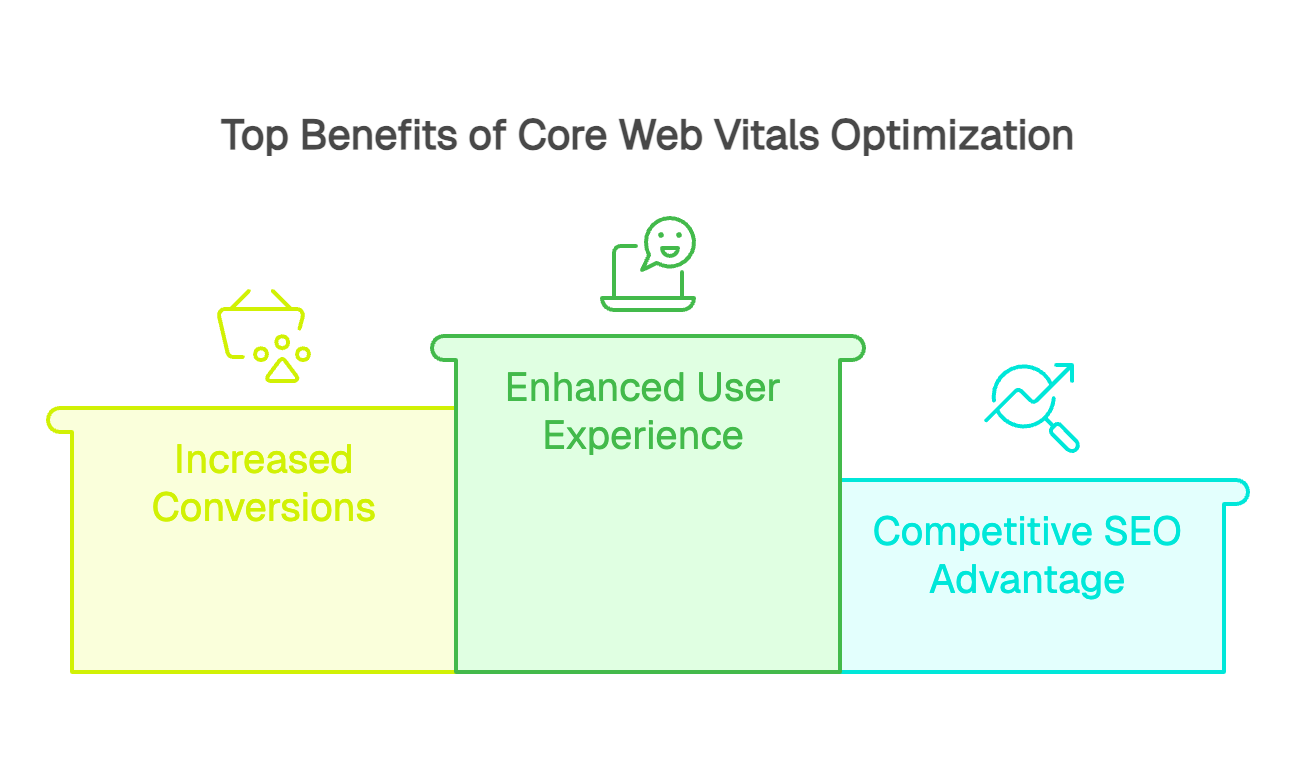
In practice, great content with average performance can still outrank weaker content with excellent performance. That’s why improving Core Web Vitals should be treated primarily as a user experience initiative: it reduces friction, limits abandonment, and supports better engagement and conversion, while also strengthening your overall search competitiveness.
The business impact of improving Core Web Vitals can be measured in conversion performance. Field data and case studies consistently show a strong relationship between faster loading, especially LCP, and better conversion outcomes. For example, Renault reported that a one-second improvement in LCP correlated with a 13% increase in conversions, based on real-user data across millions of visits.
Beyond conversions, performance optimization also improves customer satisfaction and loyalty. A fast, responsive experience strengthens brand perception and reduces friction across the customer journey. The hidden costs of a slow site include not only lost revenue, but also higher support volume, more cart abandonment, and reputational damage that can compound over time.
The first step is a thorough baseline audit to establish where you stand today. This audit should measure all three Core Web Vitals across your critical page templates and key user flows, and flag any pages that miss the recommended thresholds. This diagnostic phase helps quantify the size of the effort and where it will have the most impact.
Prioritization is the next critical step. Not all optimizations deliver the same value for the same cost. Identify quick wins first, low-effort changes with high impact, such as image optimization, setting explicit dimensions, and tightening the critical rendering path. Larger initiatives, like refactoring JavaScript architecture, should be planned based on an impact-to-effort assessment.
Implementation should follow a disciplined approach, starting with the simplest improvements to deliver fast results. Each change should be validated in a test environment before release to confirm it improves the target metrics without introducing regressions elsewhere.
Proactive monitoring is the final and ongoing phase. Continuous monitoring with automated alerts helps detect performance drops as soon as they happen. This ongoing visibility ensures improvements stick over time and that new releases do not quietly degrade the user experience.
The core metrics to track daily include the three Core Web Vitals, along with complementary indicators like Time to First Byte (TTFB) and First Contentful Paint (FCP). These metrics should be segmented by device type, geographic region, and the critical pages and flows in your user journey.
Automated alerts tied to clear thresholds enable rapid response when performance drops.
For example, trigger an alert if LCP exceeds 3 seconds on your homepage, or if INP rises above 300 ms on key conversion pages. For non-technical teams, reporting should translate metrics into business impact, such as estimated conversion loss, SEO risk, or a degraded customer experience.
Core Web Vitals are more than a set of technical metrics. They represent an approach centered on real user experience, where performance becomes a measurable competitive advantage. The move to INP reflects Google’s push to refine how responsiveness is measured so teams can better understand interactivity issues and improve them.
Optimizing Core Web Vitals should not be treated as a one-time project, but as a continuous improvement cycle. Proactive monitoring helps you catch issues before they impact users, turning web performance from a technical constraint into a business lever. In an ecosystem where user patience keeps shrinking, investing in site performance is a strategic necessity to stay competitive and deliver the experience your visitors expect.